
Run every live broadcast without missing a cue
studiozyxo.com keeps presenters, reporters, camera operators, and technical directors in sync from one control hub, so every camera switch and live cue lands exactly on time.
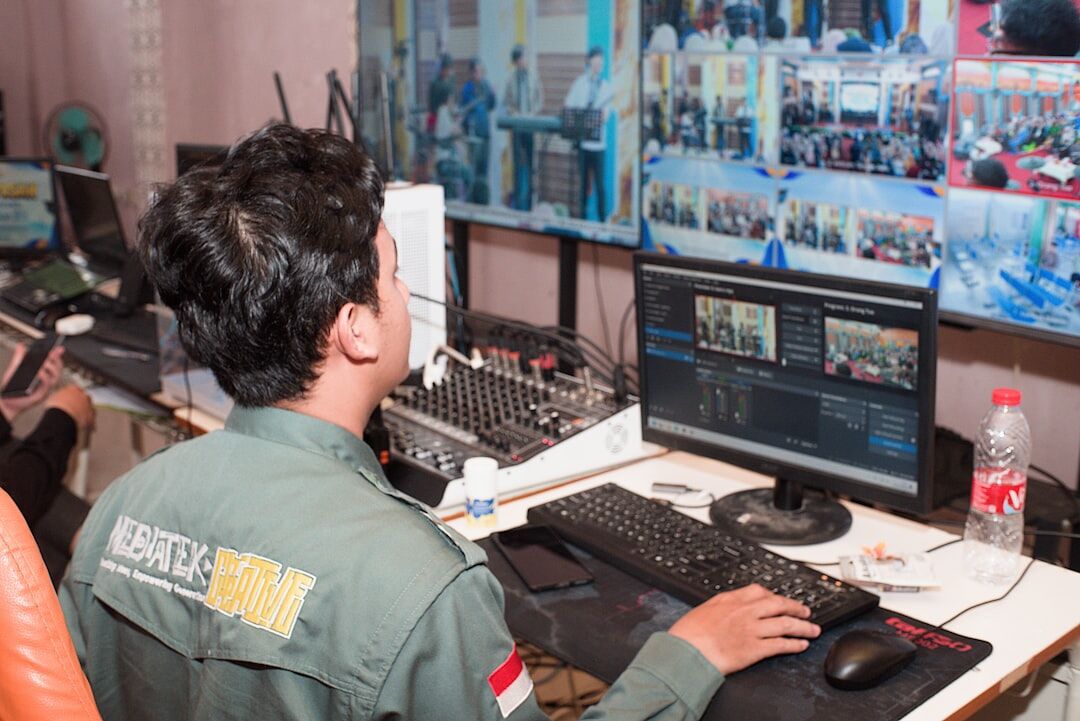
Coordinate every camera, cue, and cast member from one place
studiozyxo.com replaces scattered radios, sticky notes, and shouted cues with a single production view built for the pace of live broadcast.
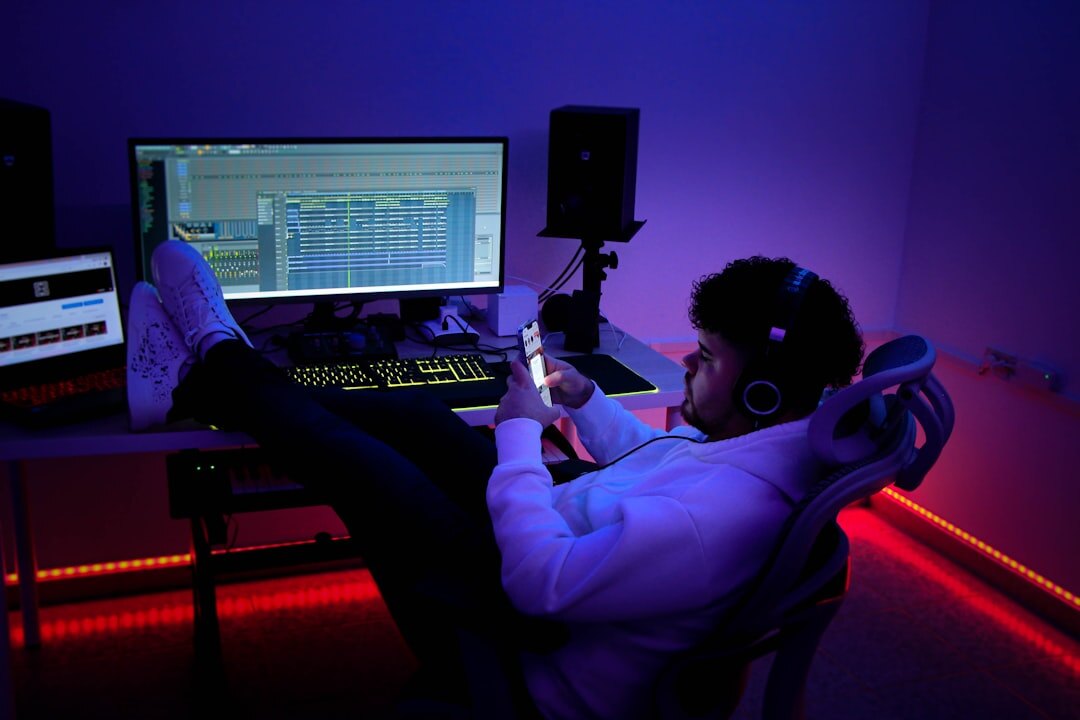
Camera switching
Switch between camera views instantly with visual confirmation for every cut and take.
Live cue management
Fire graphics, VT, and audio cues on cue, with a shared cue sheet the whole crew can see.
Presenter coordination
Keep presenters and reporters aligned on segment timing, talking points, and hand-offs.
Choose a plan that fits your studio
Every plan includes onboarding support and a limited-time launch discount for new Australian studios.
For one control room running local segments and bulletins.
- Up to 6 camera sources
- Live cue and rundown board
- Presenter & reporter roster
- Email support
For multi-studio networks running daily live programming.
- Unlimited camera sources
- Multi-studio rundown sync
- Reporter dispatch & assignments
- Priority phone support
- Broadcast playback review
For networks with custom integration and compliance needs.
- Everything in Production Network
- Custom switcher integrations
- Dedicated onboarding specialist
- 24/7 on-air support line
Stay ahead of every broadcast
Get studio operations tips, rundown templates, and product updates from studiozyxo.com delivered to your inbox each fortnight.
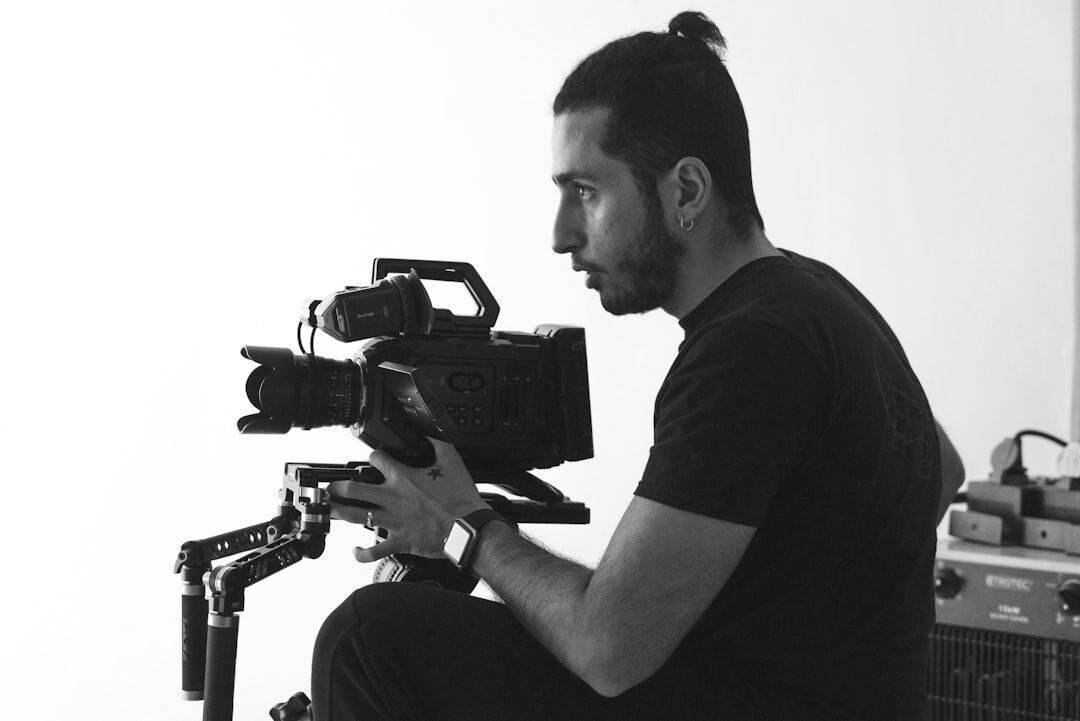
From rundown to review, in four steps
- 01
Build the rundown
Lay out segments, timing, and camera assignments before the studio goes live.
- 02
Assign roles
Give presenters, reporters, and camera operators their cues and responsibilities.
- 03
Go live
Switch camera views and fire cues in real time from the shared production view.
- 04
Review playback
Check timing, cue accuracy, and camera switching logs after the broadcast ends.
Built for the pace of live production
Multi-camera switching
Preview and cut between unlimited camera sources with a single click.
Live cue sheet
Shared cue sheet keeps VT, graphics, and audio cues on time for the whole crew.
Presenter & reporter roster
Assign talent to segments and see live status for everyone on air.
Rundown builder
Drag-and-drop rundowns with segment timing built in before you go live.
Floor manager tools
Coordinate studio floor movements and countdowns without shouting across the set.
Broadcast playback review
Review every switch and cue after the show to sharpen the next rundown.
Talk to our studio operations team
Have questions about switching studios or onboarding a new production team? Reach out and we'll help you plan the transition.
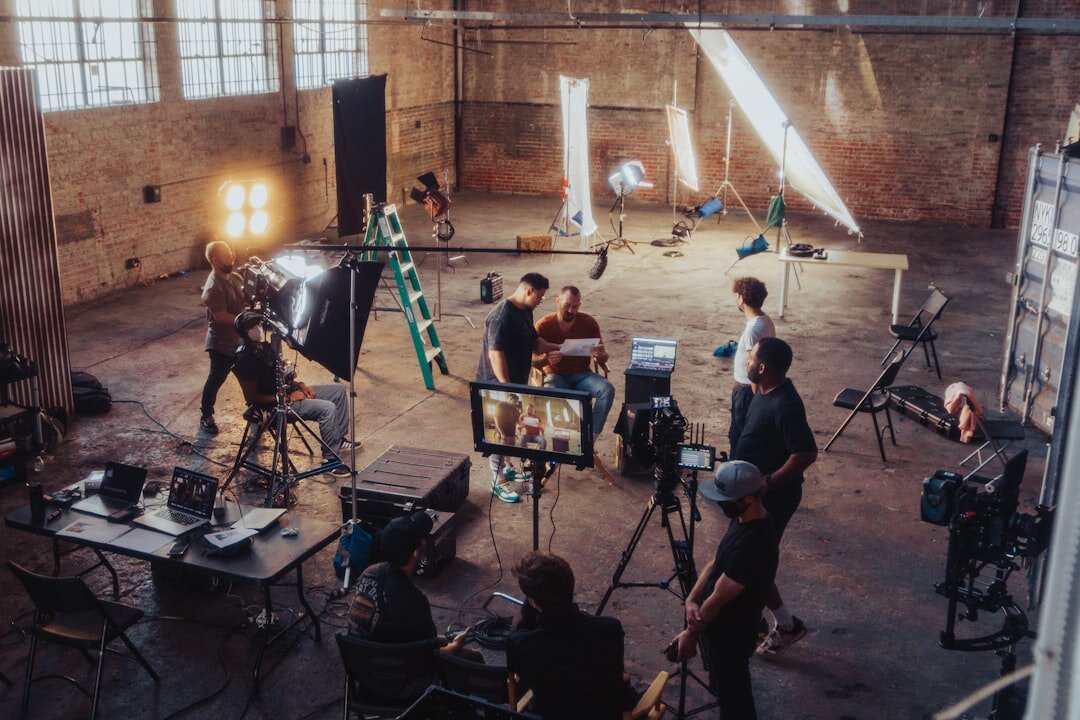
Ready to bring order to your live broadcasts?
Book a walkthrough with studiozyxo.com and see how your studio can run tighter, calmer, cue-perfect broadcasts.
Talk to our team